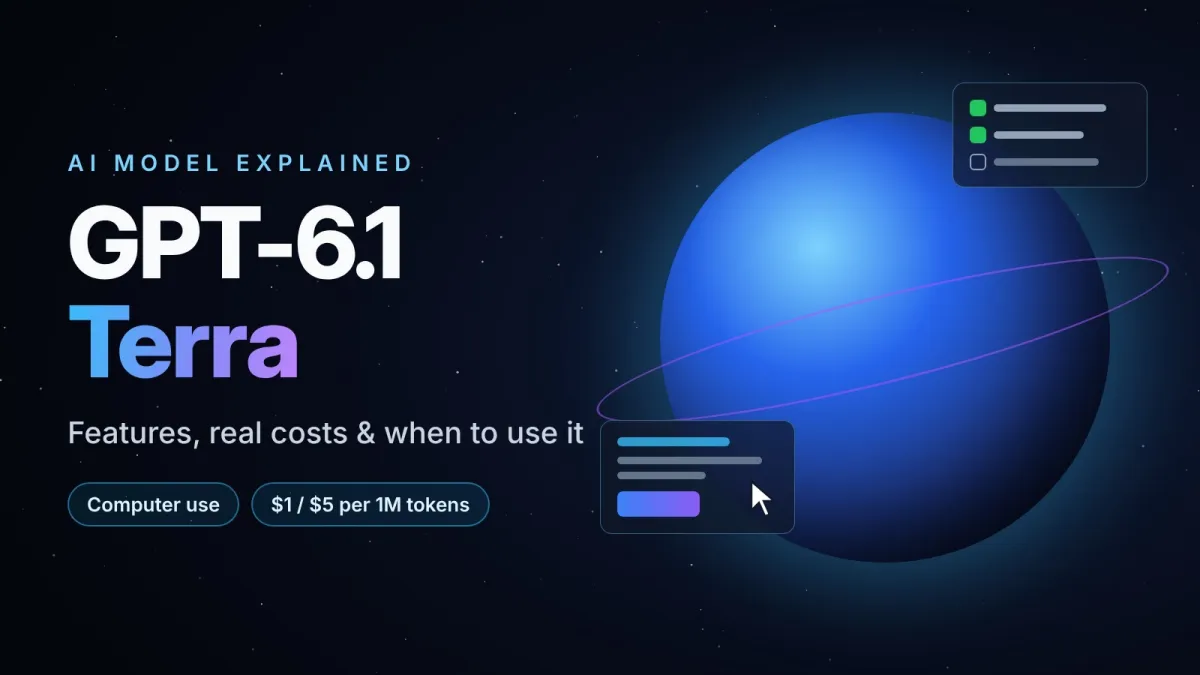
GPT-6.1 Terra Explained: Features, Real Costs and When to Use It
OpenAI's new GPT-6.1 Terra brings cheaper, faster computer use. Here's what it does, what it really costs per task, and when to choose Sol or Astra instead.
In this article
OpenAI released GPT-6.1 Terra on October 26, 2026, and the headline is simple: a cheaper model that is much better at using a computer. But "cheaper" and "better" are slippery words in AI. Cheaper than what? Better at which tasks? And does it actually make sense to switch?
This guide skips the hype and answers the practical questions: what Terra is, where it fits in OpenAI's confusing new lineup, what it really costs per task, and when you should still pick a different model.
What is GPT-6.1 Terra?
GPT-6.1 Terra is OpenAI's new mid-tier model. It replaces GPT-5.6 Terra and is built for the everyday work that fills an office day: reading screenshots and documents, filling out forms, drafting proposals, interpreting technical drawings and operating desktop or browser apps on your behalf.
Its defining feature is computer use. Terra can look at what is on a screen, understand it, and take actions across applications. That makes it less of a chatbot and more of a digital assistant that can actually click, type and move information between tools.
Key specs at a glance
- Release date: October 26, 2026
- API name:
gpt-6.1-terra - Inputs / output: text and images in, text out (no native audio or video input)
- Context window: about 1.05 million tokens, with up to 128,000 output tokens
- Knowledge cutoff: June 2026
- Standard API price: $1 per million input tokens and $5 per million output tokens
- Where to use it: ChatGPT Work and Codex (Plus, Pro, Enterprise and Edu plans) and the OpenAI API. It has also appeared on partner platforms such as Amazon Bedrock and GitHub Copilot.
Luna, Terra, Sol, Astra: making sense of the lineup
OpenAI now names models by tier as well as by generation. The number (6 or 6.1) tells you the generation. The name tells you the size and price class. From cheapest to most powerful:
- Luna: the smallest and cheapest option, for simple, high-volume jobs.
- Terra: the balanced "workhorse" tier. Good enough for most real work, priced for running at scale.
- Sol: a step up in capability, especially for software engineering.
- Astra: the flagship, with the highest ceiling and a much higher price.
The easiest way to remember it: Luna is the moon, Terra is the Earth, Sol is the sun, and Astra is the stars. The further out you go, the more powerful and expensive the model.
What actually improved?
According to OpenAI's own evaluations, Terra is a large step up from the version it replaces:
- Computer use: on OpenAI's Agents' Last Exam benchmark, Terra at medium reasoning effort scores about 15 percentage points higher than GPT-5.6 Terra at roughly one-third of the cost. OpenAI says it performs on par with GPT-6 Astra while costing one-tenth as much per token.
- Speed: OpenAI reports that Terra finishes tasks more than three times faster on average than Astra and Sol in its professional-task tests.
- Fewer factual errors: on difficult prompts at low reasoning effort, OpenAI reports factual errors falling from 53.6% to 16.7% compared with GPT-5.6 Terra.
- Visual reasoning: it beats the previous Terra on the MMMU-Pro visual reasoning benchmark at every reasoning setting.
- Writing: OpenAI describes the writing as clearer and more natural, which matters for emails, reports and proposals.
Important: these figures come from OpenAI. Vendor benchmarks are useful signals, but they are not the same as independent testing on your own work.
What independent tests say
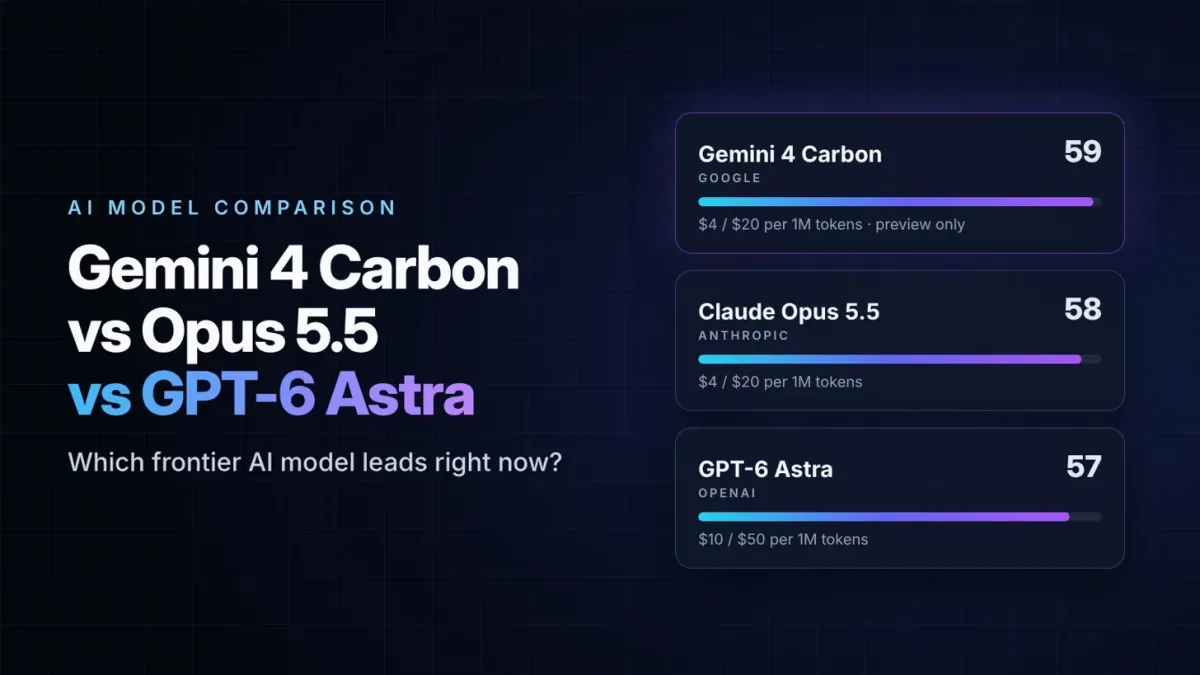
Early third-party results are more mixed, which is normal. On Artificial Analysis's Intelligence Index, Terra at max effort lands a few points below Sol and Astra overall. It is a strong mid-tier model, not a new overall leader. Its real advantage shows up in price: in several independent tests it delivered results close to Sol at roughly half the cost per task.
What does it really cost? A worked example
Price per million tokens sounds abstract, so let's turn it into real money. Imagine a typical agent task: the model reads about 30,000 tokens (a few documents and screenshots) and produces about 4,000 tokens of output, including its internal reasoning.
- GPT-6 Luna ($0.10 / $0.50): about $0.005 per task
- GPT-6.1 Terra ($1 / $5): about $0.05 per task
- GPT-6.1 Sol ($2 / $10): about $0.10 per task
- GPT-6 Astra ($10 / $50): about $0.50 per task
Run that task 1,000 times a month and the difference becomes clear: roughly $5 with Luna, $50 with Terra, $100 with Sol and $500 with Astra.
Two catches to keep in mind:
- Reasoning tokens are billed as output. At higher effort settings the model "thinks" longer, so a cheap model at max effort can cost more per task than you expect.
- Long inputs cost more. OpenAI charges a higher rate once a request goes beyond about 272,000 input tokens, so a 1-million-token context is possible but not cheap.
When to use Terra, and when not to
Terra is a great fit for
- Reading screenshots, PDFs, invoices and forms, then pulling out or entering the data
- Automating repetitive steps in browser or desktop apps
- Drafting emails, summaries, proposals and reports
- Agents whose output you can check easily, where cheaper retries are a real advantage
Consider another model for
- Hard software engineering: OpenAI itself still recommends Sol or Astra for the most complex coding work.
- Very simple, high-volume tasks: classification or short replies are usually fine on Luna at a fraction of the price.
- Audio or video input: Terra does not accept them natively.
- Private, on-device use: Terra is cloud-only, with no downloadable weights. Open-weight models are the alternative here.
How to start using GPT-6.1 Terra
- In ChatGPT: if you have a Plus, Pro, Enterprise or Edu plan, look for GPT-6.1 Terra in ChatGPT Work or Codex.
- Through the API: use the model name
gpt-6.1-terra. Start at the default medium effort and only raise it if the results are not good enough. - Test before switching: run 10 to 20 of your real tasks on Terra and on your current model, then compare quality, speed and cost side by side. Benchmarks are a starting point, and your own results are what count.
Our take
GPT-6.1 Terra is not the smartest model on the market, and it does not try to be. Its value is that it makes useful computer-use automation affordable enough to run every day. For businesses and creators who want an AI assistant that reads screens, fills forms and handles routine digital chores, it is one of the most practical releases of the year. For cutting-edge coding or research, the bigger models still have the edge.
The bigger trend is clear: AI is shifting from tools that write to tools that do. Models like Terra are where that shift becomes cheap enough for everyday use.
FAQ
Is GPT-6.1 Terra free?
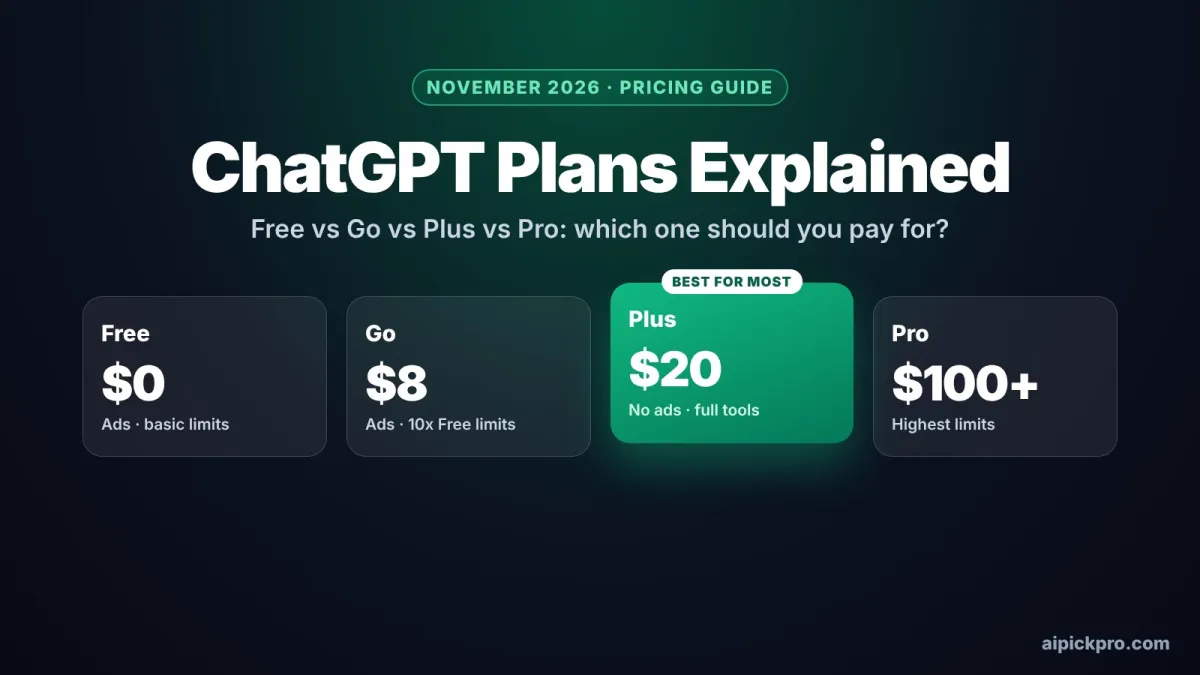
No. In ChatGPT it is available on paid plans (Plus, Pro, Enterprise and Edu). In the API, you pay per token: $1 per million input tokens and $5 per million output tokens at standard rates.
Is Terra better than GPT-6 Astra?
Not overall. OpenAI says it matches Astra on its computer-use benchmark at a much lower price, but independent tests place it below Astra and Sol on general intelligence measures and harder coding tasks.
What does "computer use" mean?
It means the model can see a screen, such as a website or a desktop app, understand what is on it and take actions like clicking, typing and filling in fields to complete a task for you.
Does Terra know about recent events?
Its built-in knowledge stops in June 2026. For anything newer, it needs web search or documents you provide.