Best AI Coding Assistants in November 2026: Claude Code vs Codex vs Cursor vs GitHub Copilot
Claude Code, OpenAI Codex, Cursor, GitHub Copilot and Google Antigravity compared: free plans, real costs, limits and which AI coding tool to choose.
In this article
- Quick comparison
- Claude Code: best for complex, multi-file work
- OpenAI Codex: best for ChatGPT subscribers
- Cursor: best AI-native editor
- GitHub Copilot: best value and best for teams
- Google Antigravity: best for running many agents at once
- Also worth a look
- How to choose
- Five rules for using AI coding agents safely
- Frequently asked questions
A year ago, an AI coding assistant mostly meant autocomplete: you typed, and it guessed the rest of the line. In late 2026, the leading tools do much more. They read an entire project, plan a change across dozens of files, run the tests and open a pull request while you do something else.
That has also made choosing one harder. The market has split into three types of tool:
- AI-native editors, such as Cursor, which replace your code editor with one built around AI.
- Coding agents, such as Claude Code, OpenAI Codex and Google Antigravity, which you give a task and let work on their own.
- IDE companions, such as GitHub Copilot, which plug into the editor you already use.
This guide compares the five most widely used options as of November 2026: what each does best, what it costs and where it falls short.
Quick comparison
| Tool | Type | Free plan | Paid from | Best for |
|---|---|---|---|---|
| Claude Code | Coding agent | No | $20/month (Claude Pro) | Large projects and complex changes |
| OpenAI Codex | Coding agent | Yes, limited | $8/month (ChatGPT Go) | ChatGPT subscribers, cloud and phone use |
| Cursor | AI-native editor | Yes (Hobby) | $20/month (Pro) | Everyday coding in one editor |
| GitHub Copilot | IDE companion and agent | Yes | $10/month (Pro) | Teams on GitHub, lowest entry price |
| Google Antigravity | Coding agent and editor | Yes, weekly limits | $19.99/month (Google AI Pro) | Running several agents in parallel |
Prices are US list prices for individual plans and change frequently. Team and business plans cost more per user.
Claude Code: best for complex, multi-file work
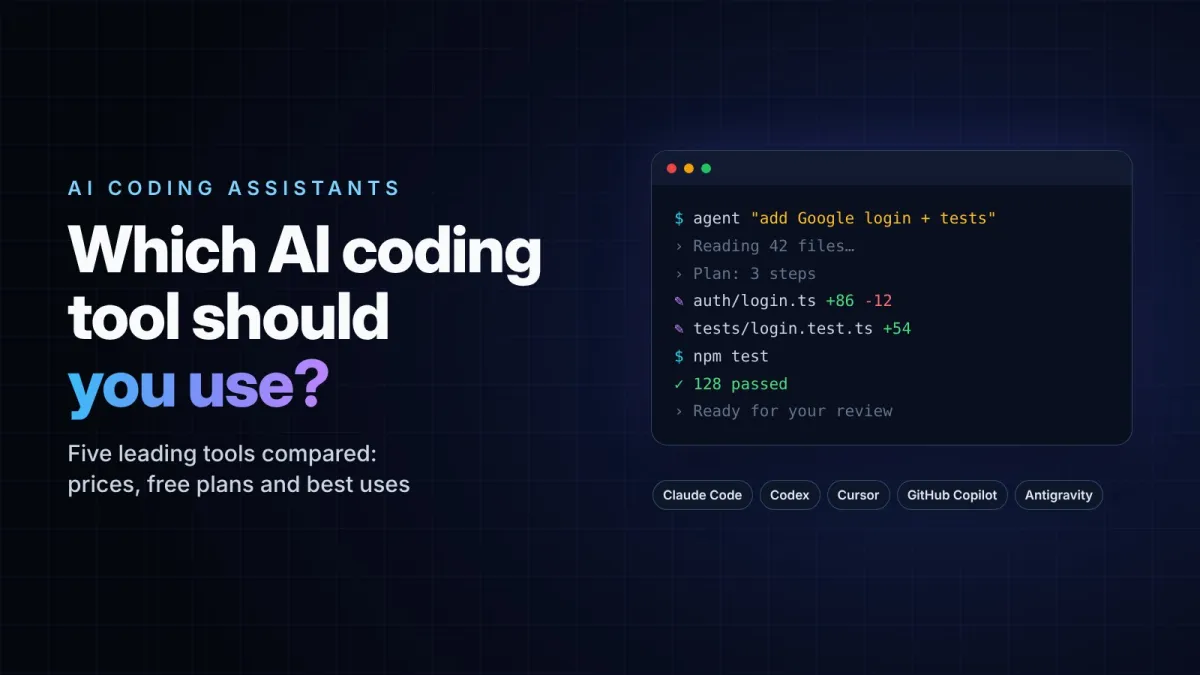
Claude Code is Anthropic's coding agent. It started as a terminal tool and is now also available in VS Code and JetBrains editors, a desktop app, the web, mobile and Slack. You describe a task, such as "add login with Google and write tests for it", and it reads the relevant files, makes a plan, edits the code and runs commands to check its work.
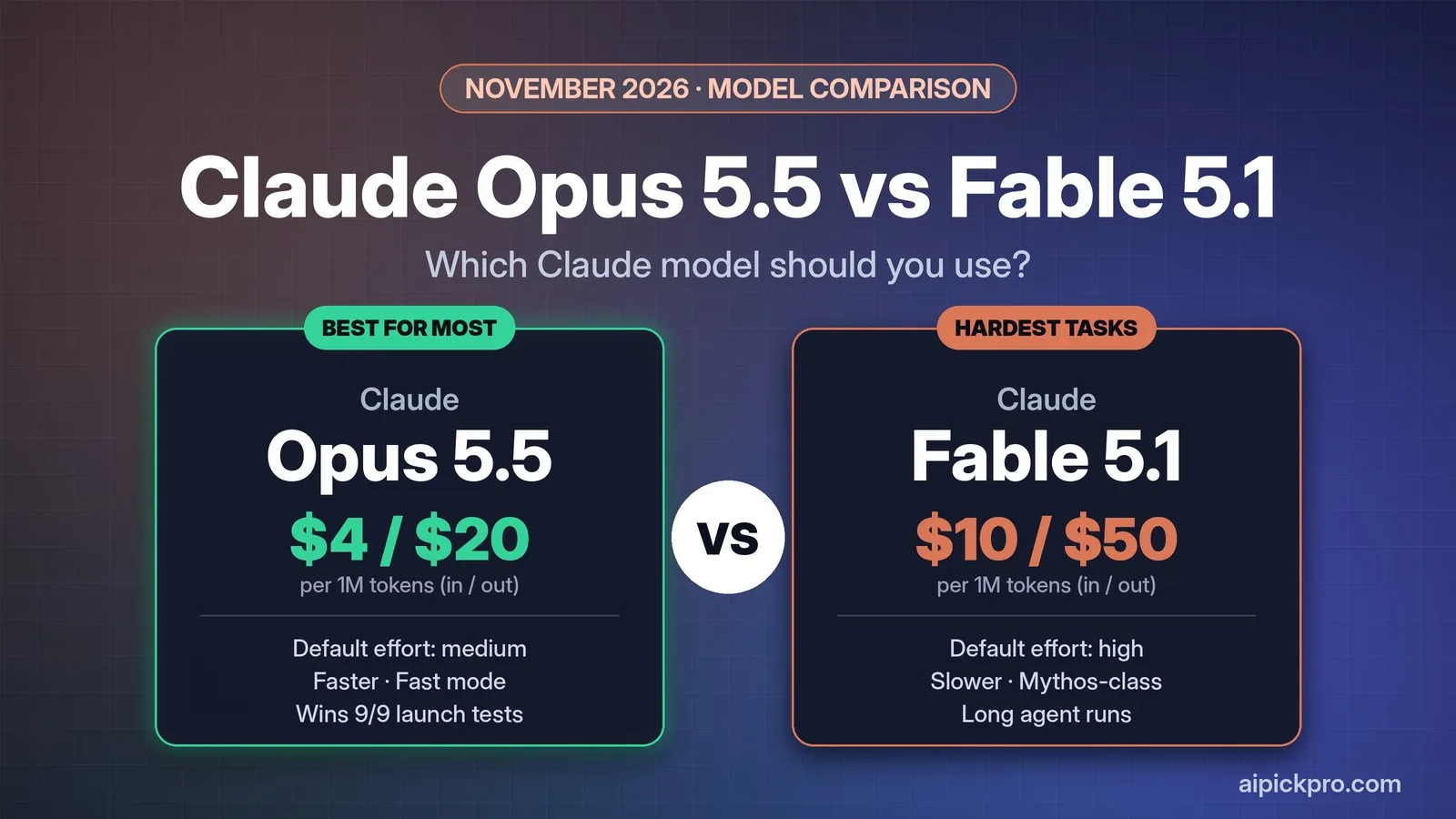
Its main strength is the quality of the underlying models. Claude Code runs on Claude Sonnet 5.5 by default, with Claude Opus 5.5 available for harder tasks. On Artificial Analysis's independent Coding Agent Index, Claude Code with Opus 5.5 scored 62, the highest of the agents tested, ahead of Google's Antigravity CLI with Gemini 4 Carbon at 59. Several independent reviews also rank it first for refactoring and for working in large codebases.
The catch: there is no free plan. Claude Code comes with Claude Pro at $20 a month, and many developers report that the Pro allowance runs out quickly during heavy agent sessions. Usage resets in rolling five-hour windows with a weekly cap, and the Max plans at $100 or $200 a month are aimed at people who use it all day. Its "agent teams" feature, which runs several agents in parallel, uses considerably more of your allowance than a normal session.
OpenAI Codex: best for ChatGPT subscribers
Codex is OpenAI's coding agent, and it comes with ChatGPT plans, including a limited free tier. It runs in a command-line tool, an IDE extension, the ChatGPT desktop app, the cloud and on your phone, so you can start a task on your laptop and check on it later from anywhere.
OpenAI's DevDay at the end of September brought a large update: reusable cloud environments, a command-line tool you can control by voice, a view for managing several agents and built-in code review for pull requests. You can choose between three models: GPT-6.1 Sol as the everyday default, GPT-6 Astra for the hardest problems and GPT-6 Luna for quick, high-volume tasks.
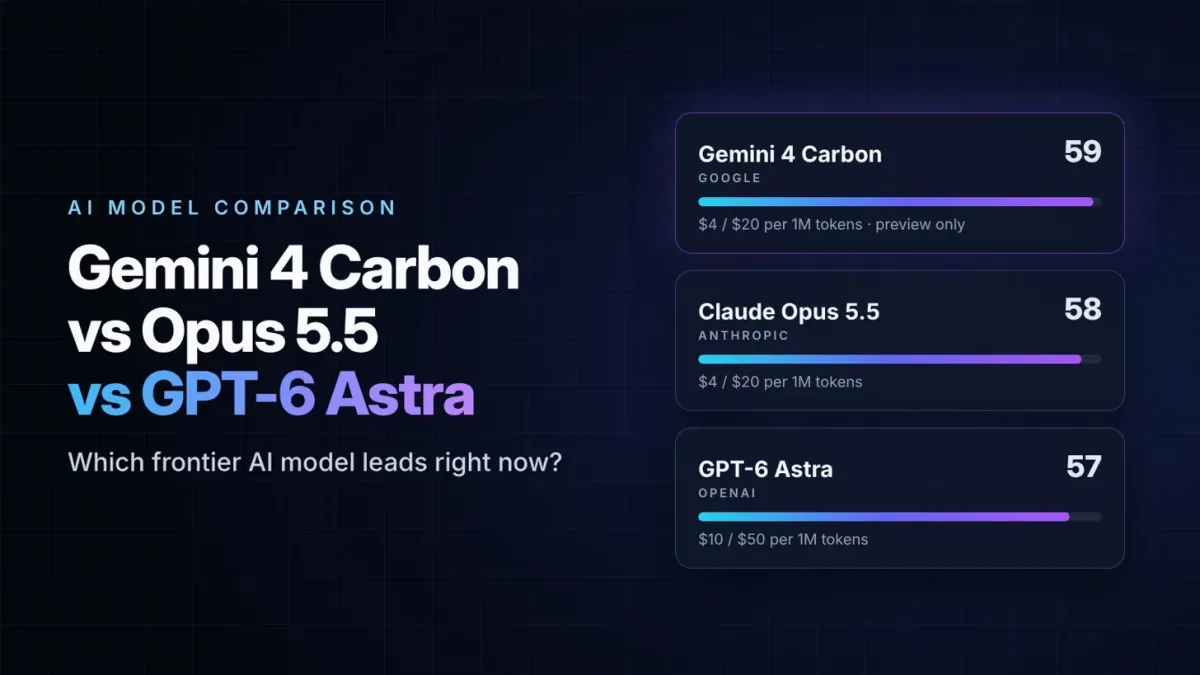
We compared GPT-6 Astra with Google's and Anthropic's top models in our Gemini 4 Carbon vs Claude Opus 5.5 vs GPT-6 Astra comparison.
The catch: Codex's limits are the most complicated in this list. How much you can do in each five-hour window depends heavily on the model. OpenAI's own Plus estimates range from roughly 5 to 45 messages on Astra to hundreds on Luna. Faster modes use your allowance several times more quickly, and Pro is now split into three tiers at $100, $200 and $500 a month.
Cursor: best AI-native editor
Cursor is a code editor built on VS Code, so it looks and feels familiar, but AI is part of every feature. Its "Tab" completion predicts your next edit rather than just the next word, and its agent can change several files at once while you watch the edits appear.
Cursor's biggest advantage is choice. Besides its own Composer model, it lets you switch between models from Anthropic, OpenAI, Google and xAI, so you are not tied to one company. It also offers cloud agents that keep working in the background and a code review tool called Bugbot.
The catch: billing is based on usage beyond what your plan includes, so heavy agent days can cost more than the $20 Pro price suggests. Higher plans cost $60 and $200 a month. Cursor also only works inside its own editor, so it is not an option if your team uses JetBrains or another IDE. Ownership has changed too: SpaceX completed its acquisition of Cursor's parent company, Anysphere, in August.
GitHub Copilot: best value and best for teams
Copilot is the most widely deployed AI coding assistant and still the cheapest serious option. The free plan includes 2,000 code completions a month, and Pro costs $10 a month. It works in VS Code, JetBrains, Visual Studio, Xcode, Neovim and more, as well as on github.com and in a command-line tool.
Copilot has grown well beyond autocomplete. Its coding agent can take a GitHub issue, work on it and open a pull request, and it offers more than 30 models, including Claude Sonnet 5.5, Claude Opus 5.5 and GPT-6.1 Sol. In October, GitHub added free local sandboxing for agent mode, which keeps the agent's commands separate from the rest of your computer.
The catch: agent work and premium models are now paid for with AI credits. Pro includes $15 of credits a month, Pro+ ($39) includes $70 and Max ($100) includes $200. Everyday completions remain unlimited on paid plans, but long agent sessions with top models use up credits quickly. Reviewers also note that Copilot is rarely the single best tool in any one area. Its strength is doing everything reasonably well, everywhere.
Google Antigravity: best for running many agents at once
Antigravity is Google's "agent-first" coding platform. It includes a desktop app for managing agents, an editor, a command-line tool and a developer kit. Its standout feature is the agent manager, which lets you run several agents in parallel and review their work through plans, task lists, screenshots and recordings of browser tests.
Antigravity also has the most generous free plan of the agent tools. The $0 Individual plan includes unlimited Tab completions and basic weekly limits on agent use. Paid limits come with Google AI Pro at $19.99 a month and Ultra at $99.99 or $199.99. If you used Gemini CLI before, note that Google replaced it with the Antigravity CLI, the agy command, for free and consumer accounts in June.
The catch: the lineup changes fast. Claude Sonnet 4.6, Claude Opus 4.6 and GPT-OSS 120B are being removed from Antigravity's model list on November 2, 2026, leaving Gemini models. Google's newest models, such as Gemini 4 Argon, require a paid plan, and the free plan's weekly limit can run out quickly during real work. If you use a personal account, check Google's data settings before working on private code.
Also worth a look
Devin, from Cognition, is aimed at teams that want to hand off whole tickets and check back later. Its desktop app is the former Windsurf editor, renamed in June. It has a free plan, Pro at $20 a month and its own SWE-2 model, released in September.
How to choose
- You are learning to code or have no budget: start with the free plans of GitHub Copilot, Cursor or Antigravity.
- You want the cheapest paid option: GitHub Copilot Pro at $10 a month.
- You want one editor with AI everywhere: Cursor.
- You work on a large codebase and delegate whole tasks: Claude Code.
- You already pay for ChatGPT: try Codex first, since it is included.
- You already pay for Google AI Pro: try Antigravity first, for the same reason.
- Your company standardises on GitHub: Copilot Business, because it works in every major IDE.
Many developers end up using two tools: an editor or companion for everyday typing, plus an agent for larger jobs. Because most paid plans start at around $20, it is worth testing two for a month before committing.
Five rules for using AI coding agents safely
Agents that can run commands and edit many files at once are powerful, and mistakes can spread quickly. A few habits prevent most problems:
- Always work on a separate Git branch, so you can throw away a bad change in one step.
- Read the diff before you accept it. An agent can produce code that runs but quietly does the wrong thing.
- Never paste passwords, API keys or customer data into a prompt, and keep secret files out of the project folder the agent can read.
- Use sandboxing or approval prompts for commands, especially anything that deletes files, installs packages or touches a database.
- Run your tests yourself instead of trusting the agent's report that everything passed.
Frequently asked questions
What is the best AI coding assistant in November 2026?
It depends on how you work. Claude Code leads independent rankings for autonomous agent work, Cursor is the best AI-native editor and GitHub Copilot offers the best value for teams.
What is the best free AI coding assistant?
GitHub Copilot Free, Cursor Hobby and Google Antigravity's Individual plan all cost nothing. Antigravity's free plan includes agent use, while Copilot and Cursor are stronger for autocomplete.
Is Claude Code free?
No. Claude Code requires a paid Claude plan, starting with Pro at $20 a month, or $17 a month billed annually.
Can AI coding assistants replace programmers?
Not today. They can write and change a lot of code quickly, but they still make mistakes, misunderstand requirements and need a person to review their work. They are most useful in the hands of someone who can tell good code from bad.