Best AI Image Generators in November 2026: ChatGPT Images 2.5 vs Nano Banana 2.1 vs Midjourney V8.2
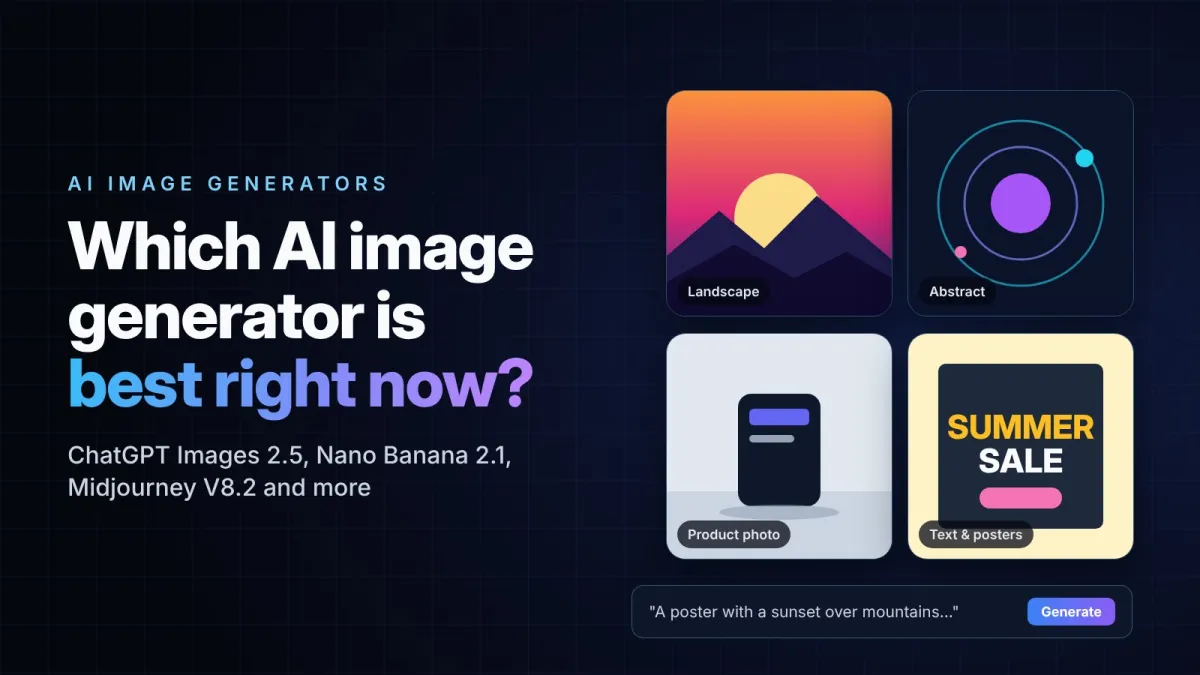
ChatGPT Images 2.5, Gemini Nano Banana 2.1, Midjourney V8.2, Meta Muse Image and Adobe Firefly compared: free options, prices and which AI image generator to choose.
In this article
- Quick comparison
- ChatGPT Images 2.5: the best all-rounder
- Google Gemini with Nano Banana 2.1: best for editing and value
- Midjourney V8.2: best for artistic images
- Meta AI with Muse Image: best free option you already have
- Adobe Firefly: best for designers
- One to watch: Microsoft MAI Image 2.6
- Which AI image generator should you choose?
- Can you use AI images commercially?
- Frequently asked questions
AI image generators changed more in the last two months than in the first half of the year. OpenAI released ChatGPT Images 2.5 on September 8. Google replaced Nano Banana 2 with Nano Banana 2.1 on October 6. Midjourney has been running its V8 family as the default since the summer, and Microsoft announced MAI Image 2.6 on October 27.
The result is that "which AI image generator is best?" no longer has a single answer. Each tool now has a clear strength, a different free allowance and a different catch. This guide compares the main options as they stand in November 2026, so you can pick one based on what you actually need to make.
Quick comparison
| Tool | Current model | Free option | Paid from | Best for |
|---|---|---|---|---|
| ChatGPT | ChatGPT Images 2.5 | Yes, limited | $8/month (Go) | Most people, easy editing by chat |
| Google Gemini | Nano Banana 2.1 | Yes, limited | $4.99/month (Google AI Plus) | Photo edits, 4K images, low API cost |
| Midjourney | V8.2 | No free trial at the moment | $10/month (Basic) | Artistic, stylised images |
| Meta AI | Muse Image | Yes, for everyday use | $7.99/month (Meta One) | Free images inside WhatsApp and Instagram |
| Adobe Firefly | Firefly models, plus partner models | Limited daily generations | $9.99/month (Firefly Standard) | Designers and Photoshop users |
Prices are the US list prices at the time of writing. They can differ by country and change often, so check the plan page before you subscribe.
ChatGPT Images 2.5: the best all-rounder
OpenAI's latest image model is the easiest place to start. You describe what you want in plain language, then fix it by replying in the same chat: "make the background darker", "move the logo to the left". ChatGPT keeps the rest of the picture the same while it applies the change, which older tools struggled with.
Version 2.5 brought three practical upgrades. OpenAI says images generate up to 50% faster than in Images 2.0, edits stay more consistent across several rounds, and a new Sketch feature lets you draw a rough layout inside ChatGPT and use it as a guide. It rolled out to every ChatGPT plan, including the free one, although free users get fewer images.
OpenAI's models also lead several blind-vote rankings. On the BudgetPixel AI Image Arena, where people choose between two images without knowing which model made them, the two GPT Image 2.5 models held the top two places at the end of October.
The catch: ChatGPT usually makes one image at a time, and it is slower than tools built purely for image generation. If you want to generate dozens of variations quickly, it can feel slow.
Google Gemini with Nano Banana 2.1: best for editing and value
Nano Banana is Google's name for the image models inside Gemini. Version 2.1, released on October 6, is built on Gemini 3.6 Flash and replaced Nano Banana 2, which Google has deprecated.
Its strengths are editing and control. You can upload a photo and change only part of it, keep the same character consistent across a series of images, and create images at up to 4K resolution. Google also improved how it handles text on posters, infographics and diagrams, which used to be a weak spot for most image tools.
For developers, the big news is price. Google cut the API cost in half: a standard 1K image now costs about $0.034, compared with about $0.067 for Nano Banana 2. If you build an app that creates a lot of images, that difference adds up quickly.
The catch: free use in the Gemini app is limited, and every image carries Google's invisible SynthID watermark. That is good for transparency, but worth knowing if you plan to use the images commercially. For the most demanding work, Google still offers the more expensive Nano Banana Pro.
Midjourney V8.2: best for artistic images
Midjourney remains the tool that creative professionals mention first when they want a striking, polished look. Its V8 family is a full rebuild of the engine. V8.2 became the default model for every account on July 24, 2026, and creates native 2048×2048 HD images without a separate upscaling step.
Editing used to be Midjourney's weak point. A new V8.2 edit model, in public testing since late August, adds instruction-based edits along with inpainting and outpainting, so you can now change part of an image instead of starting over.
The catch: there is no free trial at the moment, so you need a paid plan from $10 a month for roughly 200 images. On the cheaper plans your images are public by default, which may not suit client work. Midjourney also has no official API, and it is being sued by Disney and Universal over copyright, a case worth watching if you use it for commercial projects.
Meta AI with Muse Image: best free option you already have
Meta launched Muse Image in July as the first image model from Meta Superintelligence Labs. It powers image generation in the Meta AI app and on meta.ai, in WhatsApp chats with Meta AI in selected countries, and in AI effects for Instagram Stories, which are currently limited to the US.
The main appeal is access. Everyday use is free, and if you already use WhatsApp or Instagram, you don't need to install anything new. Heavier users can get higher limits through Meta's subscription plans. We looked at Meta's wider AI push in our Meta Muse Wonder review.
The catch: text inside images is less accurate than in ChatGPT, and some features are only available in certain countries.
Adobe Firefly: best for designers
Firefly is less about creating a perfect image from a single prompt and more about fitting AI into real design work. It is built into Photoshop, Adobe Express and Adobe's other apps, and it is especially good at blending generated content into an existing photo, for example extending a background or replacing an object so that the lighting still matches.
Firefly also gives you access to more than Adobe's own models. Adobe confirmed in September that OpenAI's GPT-Image-2.5 models are available inside Firefly, so you can switch models without leaving your design tools.
The catch: as a pure text-to-image generator, it is not the strongest in this list. You get a limited number of free generations each day, and unlimited image generation starts at $9.99 a month with Firefly Standard.
One to watch: Microsoft MAI Image 2.6
Microsoft announced MAI Image 2.6 on October 27 and says it launched at number two on the Arena text-to-image leaderboard, ahead of models from Google, Meta and xAI. The biggest improvement is text rendering. For now it is mainly available to businesses through Microsoft Foundry, with a wider rollout to other Microsoft products promised soon.
Which AI image generator should you choose?
- You want one tool that does everything reasonably well: ChatGPT Images 2.5.
- You want to edit your own photos or need 4K output: Gemini with Nano Banana 2.1.
- You want the most artistic, eye-catching results: Midjourney V8.2.
- You don't want to pay anything: Meta AI or the free tier of Gemini or ChatGPT.
- You already work in Photoshop: Adobe Firefly.
- You are building an app that needs thousands of images: Nano Banana 2.1 through the Gemini API, because of its low price per image.
A practical tip: before paying, give the same prompt to two or three free tools. A prompt with text in it, such as a poster or a product label, is the quickest way to see the difference between them.
Can you use AI images commercially?
Usually yes, but with limits. Paid plans from Midjourney, Recraft and others include commercial usage rights, and the major tools generally let you use what you create. The bigger question is ownership. In the US, the Copyright Office's position is that images made by AI without significant human creative input are not protected by copyright. In practice, that means someone else may be able to reuse your AI-generated image.
Many tools also add visible or invisible labels to their images. If you want to understand how those labels work, or how to check whether an image was made by AI, see our guide on how to spot AI-generated images.
Frequently asked questions
What is the best AI image generator in November 2026?
For most people, ChatGPT Images 2.5 is the best starting point because it is easy to use and leads several blind-vote rankings. Midjourney is better for artistic results, and Gemini's Nano Banana 2.1 is better for editing photos.
What is the best free AI image generator?
Meta AI with Muse Image is free for everyday use and available in apps many people already have. The free tiers of Gemini and ChatGPT are also good, but they limit how many images you can create.
Is Midjourney free?
No. Midjourney's free trials are currently suspended, and the cheapest plan costs $10 a month.
Which AI image generator is best for text in images?
ChatGPT Images 2.5 and Nano Banana 2.1 both handle text well. Microsoft's MAI Image 2.6 also made a big jump in text rendering, but it is not yet widely available to consumers.